Table booking 24/7 — guests reserve themselves.
Guests book tables through the QR menu or a direct link. Calendar by table, automatic confirmations and reminders. Not a single missed guest and no rush-hour phone calls.
14 days free · No card required · Cancel anytime
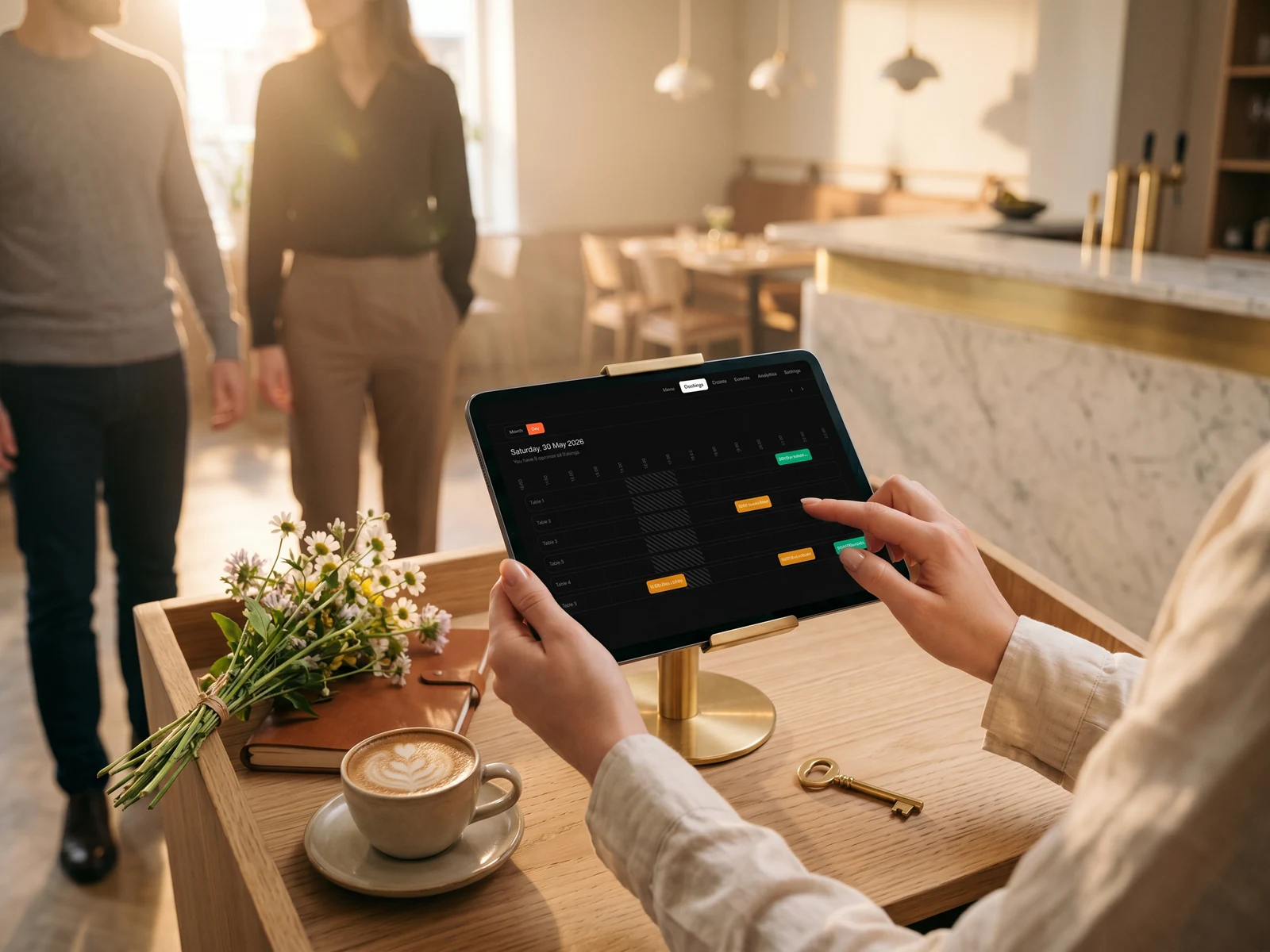
Launch table booking in 5 minutes.
Connect the calendar, add tables with photos and capacity — guests start booking the same day.
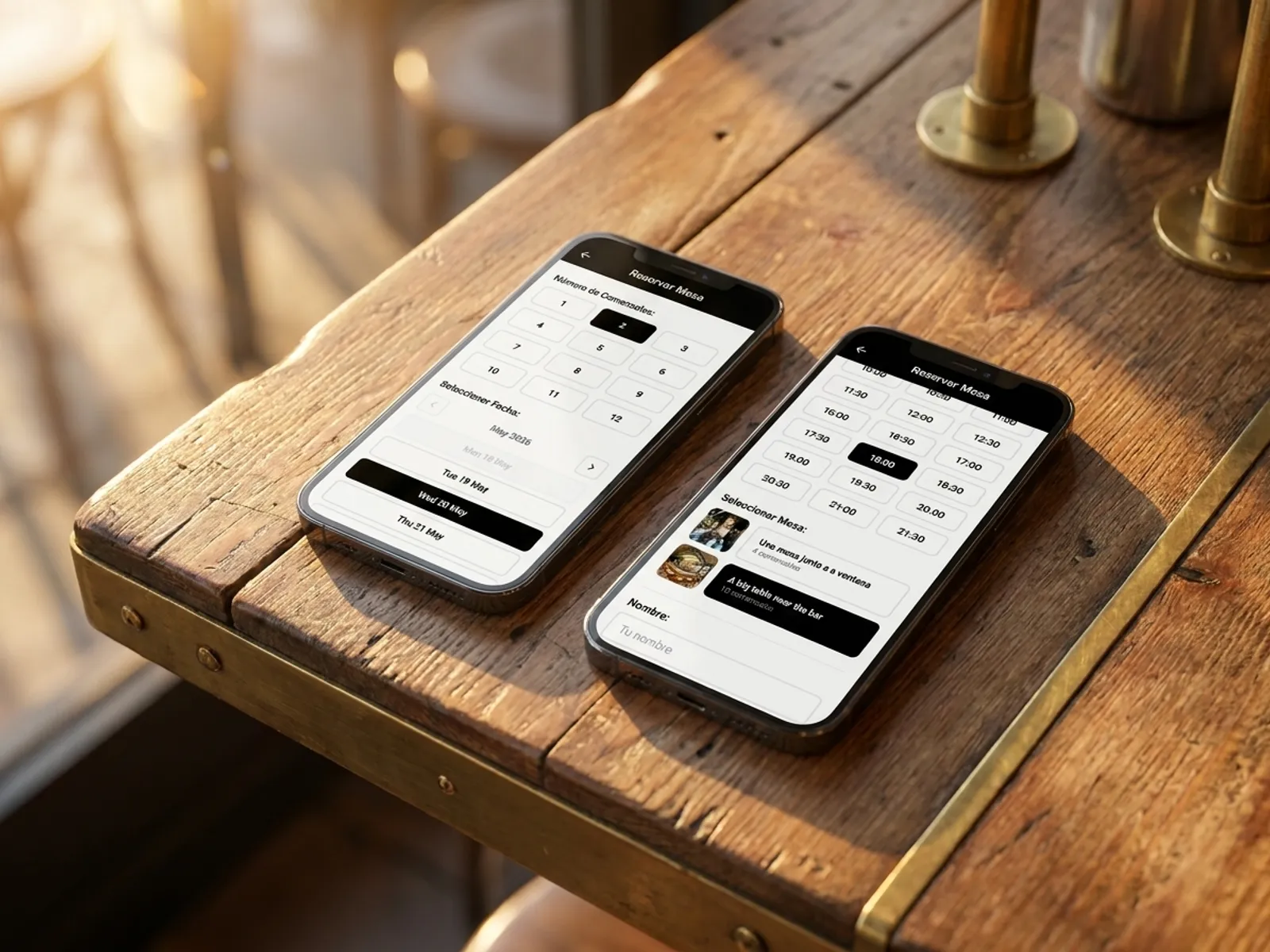
Guests book themselves — by date, time and party size.
The guest opens the QR menu or a direct link, picks the date, time and party size — and immediately sees the available tables, each with a photo, description (terrace, by the window, banquette near the bar) and capacity. Confirmation is sent automatically by email and WhatsApp.
- Pick a table by photo, description and capacity.
- Automatic confirmation and a reminder one hour before the visit.
- Minimum fields in the form: name, phone, party size.
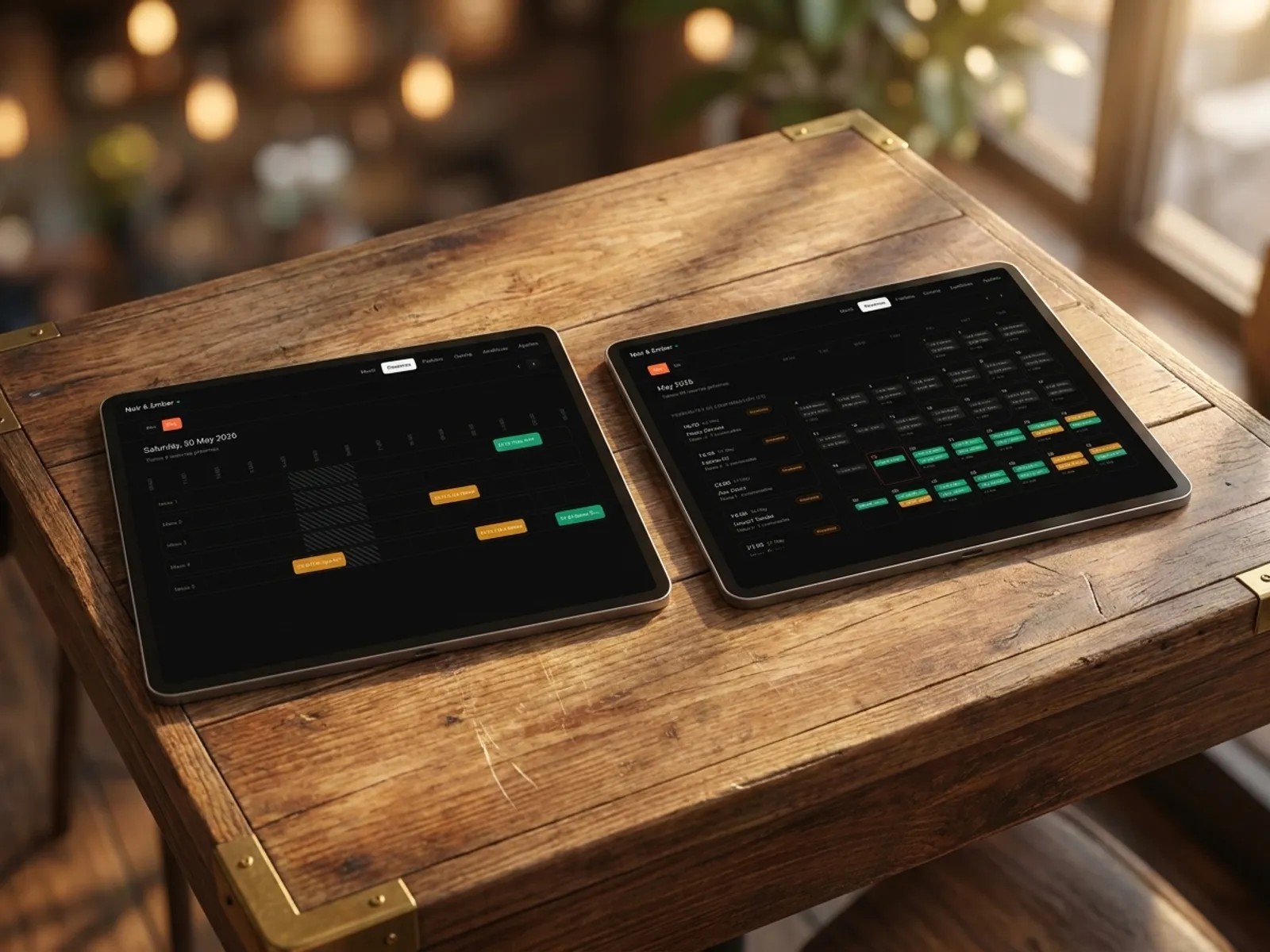
Calendar by day and table — see everything at a glance.
The admin panel shows a calendar of bookings broken down by table, day, week and month. Free slots, taken tables, confirmed and unconfirmed reservations all on a single screen. Works on a tablet on the floor and a laptop in the office.
- Day, week and month views.
- Break down by table: who, when, how many guests.
- Move, cancel or confirm a booking with a single tap from the phone.
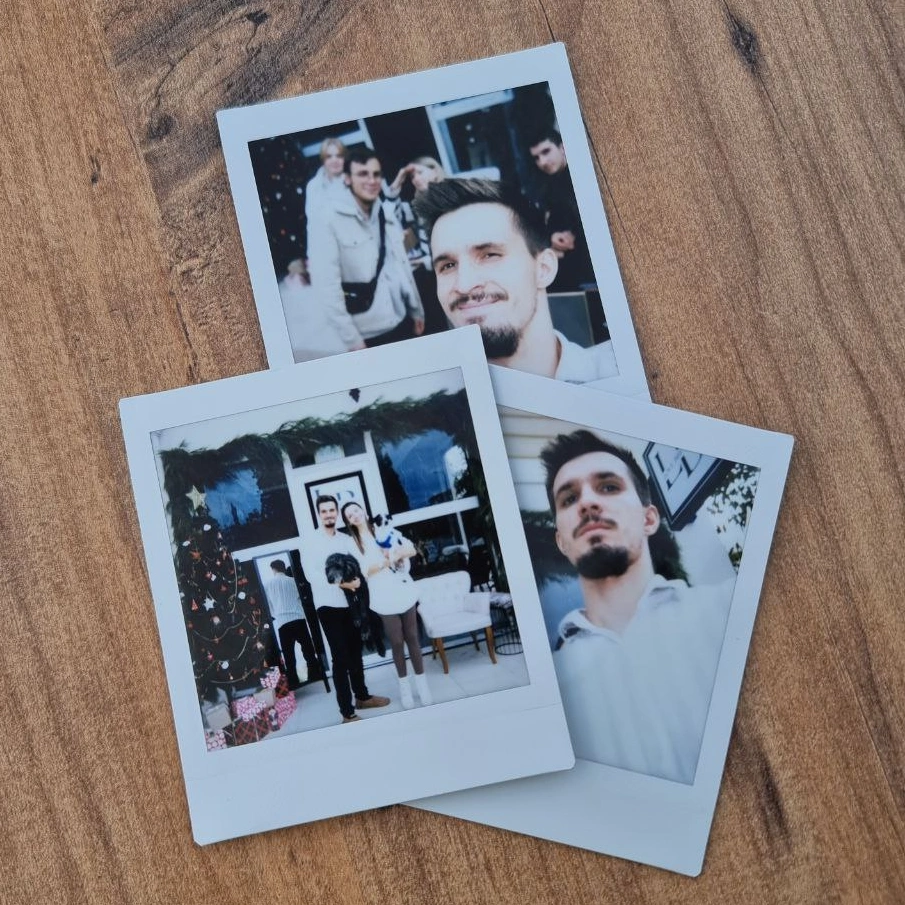
Built by restaurateurs
My wife and I ran our own café and we know first-hand how a restaurant day really works — order taking, bookings, floor and kitchen flow. We wanted a single tool: modern, easy to launch and clear at a glance — so we started building the platform we develop for other restaurateurs.
Bogdan Sokolov
founder, former café owner
Pricing. No hidden fees.
One transparent monthly fee. No percentage on orders and no aggregator commissions. Cancel the subscription anytime.
Basic
Menu, QR ordering and AI translation. Live in 5 minutes.
billed annually · €82.80 per year
or €9.90/mo · save €36.00 per year
- QR menu for every table
- Digital menu with photos and allergens
- AI translation in 35 languages
- Orders from the menu (optional)
- AI dish photo generation
- Manage from any phone or tablet
14 days free · No card required · Cancel anytime
Pro
Full restaurant control: kitchen display and bookings.
billed annually · €298.80 per year
or €31.90/mo · save €84.00 per year
- Everything in Basic
- Kitchen display (KDS)
- Online table booking 24/7
- Priority WhatsApp support
14 days free · No card required · Cancel anytime
Frequently asked questions.
What restaurateurs ask about table booking in IQ Rest. Can't find your question? Message us on WhatsApp.
Ask on WhatsAppCan I choose which days and hours are available for booking?
Yes. The admin panel lets you set working hours and available weekdays — the system won't show unavailable slots to guests. You can close a specific date (corporate event, private booking) or turn the whole calendar off temporarily.
Can I upload a photo for each table?
Yes. Each table can have a photo, description (terrace, by the window, banquette by the bar) and capacity. The guest sees the exact table they are booking and makes an informed choice — this reduces unmet expectations.
Can I disable booking on specific dates?
Yes. The calendar lets you close specific dates (holidays, private events, refurbishment) or whole weekdays. On those dates guests see a 'booking temporarily unavailable' message.
Can I customise which fields are collected from the guest?
Yes. The default set: name, phone, email, party size. You can add custom fields (occasion, allergies, special requests) or remove unnecessary ones to keep the form as short as possible.
Can I limit the number of guests per table?
Yes. Each table has a 'capacity' setting — the system won't let a 2-seater be booked for 6. On larger tables you can set a minimum so small groups don't take the 'eight-seater' away from larger parties.
How hard is the booking setup?
It takes very little time. Three steps: (1) add tables with names, photos and capacity, (2) enable booking mode in settings, (3) share the link or QR code with guests. Full launch takes 5–10 minutes.
Can I use the booking system on my own domain?
Yes. We support a custom domain with an SSL certificate: guests book on your restaurant's address (e.g. booking.yourrestaurant.com). We help with the DNS setup; the process takes 5–10 minutes.
Can I configure automatic or manual confirmation?
Yes, the mode is set in the settings. With automatic confirmation, the guest receives a confirmation immediately after submitting the form and the booking is considered accepted. With manual confirmation, the request lands in the admin panel with 'awaiting confirmation' status — the manager reviews it and either confirms or declines. Manual mode is useful for limited table counts or strict guest policies.
Do you take a commission on bookings?
No. Table booking is fully included in the Pro plan — no percentage on guests, no per-slot fee, no aggregator commissions. One fixed monthly fee and unlimited bookings.
Live in 5 minutes. 14 days free.
No card required, cancel anytime. Join 500+ restaurants already running on IQ Rest.
14 days free · No card required · Cancel anytime