Kitchen display: orders straight to the chef's screen.
Paper tickets are no longer needed. Orders from the floor or the QR menu land on the kitchen screen instantly — with notes, allergens and a timer. One tap changes the status. Works on a tablet at the pass or a smartphone in the chef's pocket.
14 days free · No card required · Cancel anytime
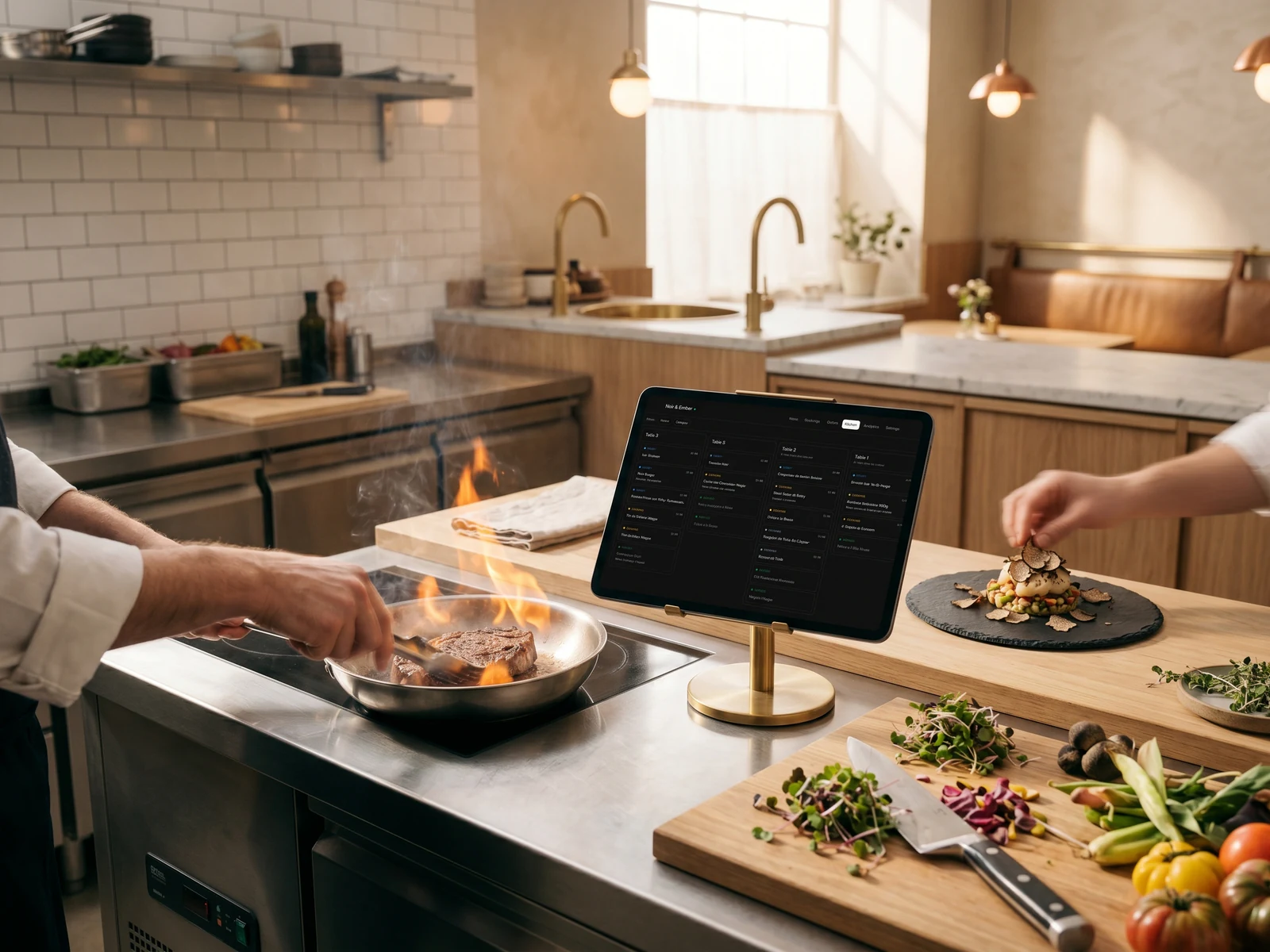
Set up the kitchen display in 5 minutes.
Upload a paper menu or PDF — AI recognises dishes, categories and allergens. Connect a tablet in the kitchen and start receiving orders.
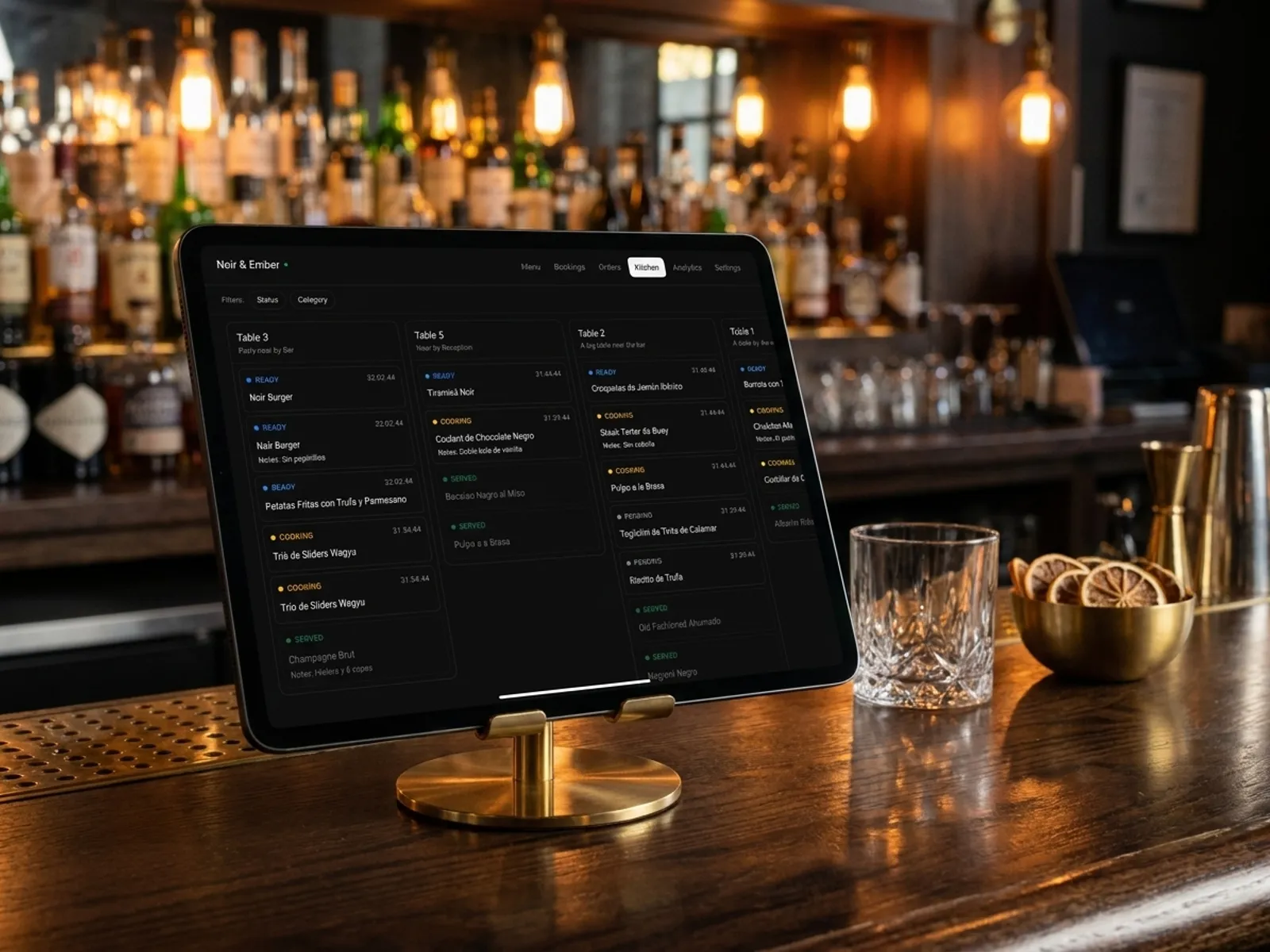
Multiple screens by zone: kitchen and bar.
Place separate tablets at the hot line, the bar or the pastry station — each screen shows only the dishes that belong to it. Filters by status (Pending / Cooking / Ready / Served) and by category remove the noise: the chef only sees what's relevant to their station.
- Multiple KDS screens with category filters.
- Status filter: show only cooking and ready.
- Each zone sees only its own flow of orders.
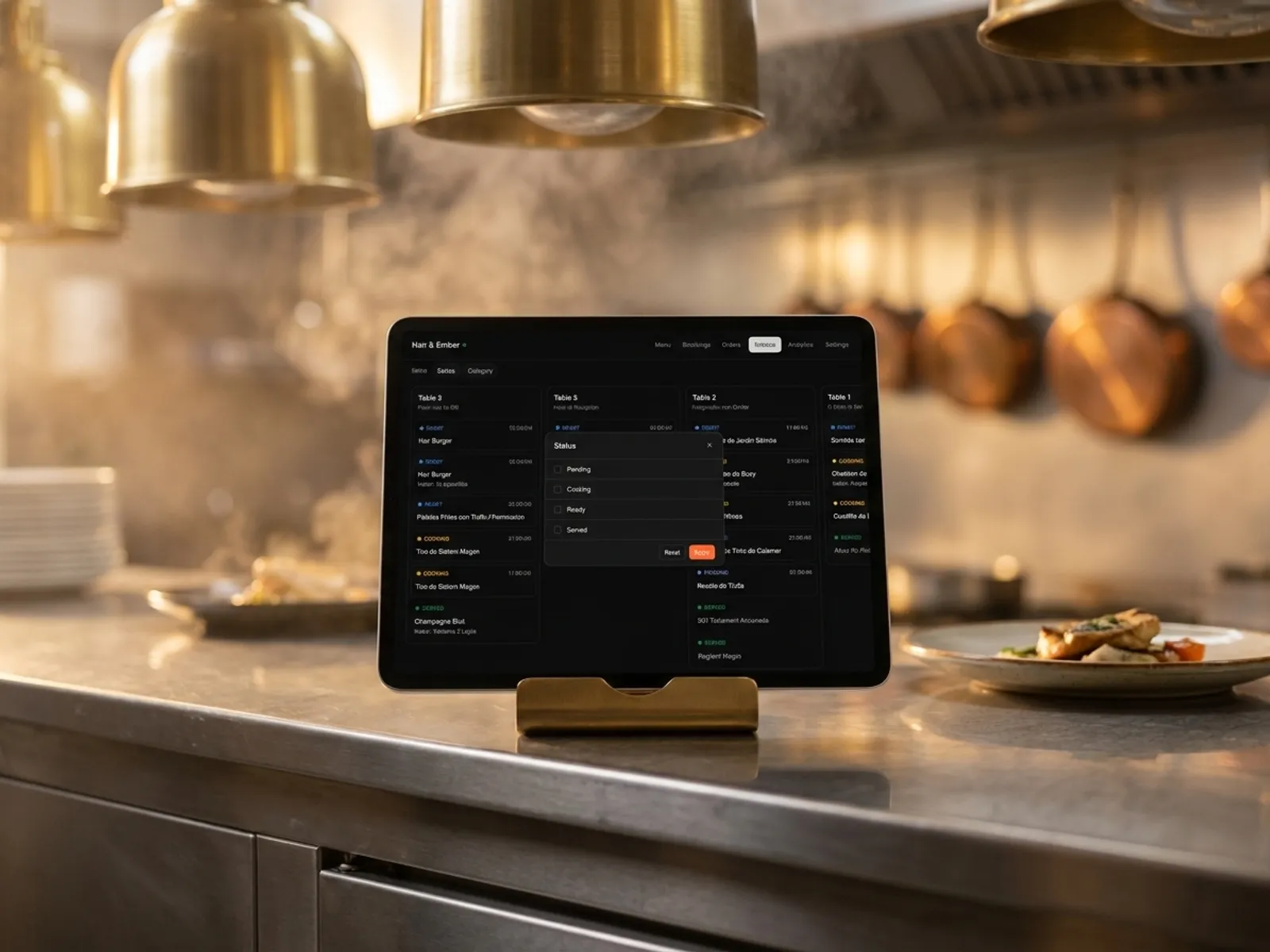
One tap changes the status. Notes and allergens highlighted in colour.
The dish card shows the chosen options (no onions, well done), the guest's note, the allergens and a timer from the moment the order was placed. Tap the card and the status moves to the next: Pending → Cooking → Ready → Served. The list is sorted by priority automatically.
- Tap on the card — instant status change.
- Options, notes and allergens highlighted in colour.
- Priority sorting: items waiting longer rise to the top.
Built by restaurateurs
My wife and I ran our own café and we know first-hand how a restaurant day really works — order taking, bookings, floor and kitchen flow. We wanted a single tool: modern, easy to launch and clear at a glance — so we started building the platform we develop for other restaurateurs.
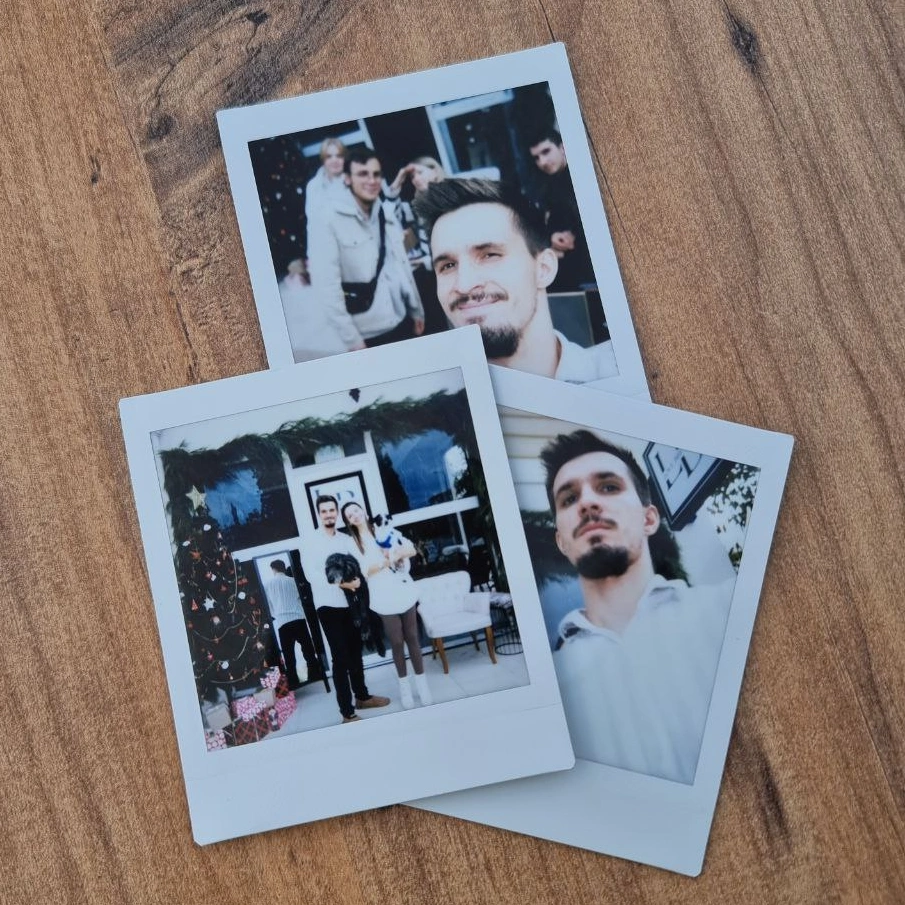
Bogdan Sokolov
founder, former café owner
Pricing. No hidden fees.
One transparent monthly fee. No percentage on orders and no aggregator commissions. Cancel the subscription anytime.
Basic
Menu, QR ordering and AI translation. Live in 5 minutes.
billed annually · €82.80 per year
or €9.90/mo · save €36.00 per year
- QR menu for every table
- Digital menu with photos and allergens
- AI translation in 35 languages
- Orders from the menu (optional)
- AI dish photo generation
- Manage from any phone or tablet
14 days free · No card required · Cancel anytime
Pro
Full restaurant control: kitchen display and bookings.
billed annually · €298.80 per year
or €31.90/mo · save €84.00 per year
- Everything in Basic
- Kitchen display (KDS)
- Online table booking 24/7
- Priority WhatsApp support
14 days free · No card required · Cancel anytime
Frequently asked questions.
What restaurateurs ask about the kitchen display in IQ Rest. Can't find your question? Message us on WhatsApp.
Ask on WhatsAppWhat dish statuses does the kitchen have?
Four statuses with different card colours: Pending (grey) — the order is accepted and waiting; Cooking (orange) — the dish is being prepared; Ready (blue) — ready to serve; Served (green) — delivered to the guest. Tapping the card moves it to the next status, without menus or confirmations.
Can I run multiple KDS screens in different zones?
Yes. One tablet on the hot line, another on the bar, a third on the pastry station — each with its own category filter. All screens are synchronised in real time: a status changed on one screen updates everywhere.
What hardware do I need to run the KDS?
KDS is a web app that runs in any modern browser. A big kitchen — a tablet on a brass stand at the pass or a TV on the wall. A small venue — the chef's smartphone. No special hardware, no installation: open a link and sign into the account.
Where do orders on the kitchen screen come from?
From every source: the guest who ordered through the QR menu at the table; the waiter who took the order from their phone; the guest who placed the order from the website. All of them arrive on the KDS with a source label and the table number. No manual transfers from a POS.
What is shown on an order card?
Dish name, selected modifiers (no onions, well done, add sauce), guest comment, highlighted allergens, status (Pending / Cooking / Ready / Served) and a timer showing how long the dish has been waiting. Cards are sorted by priority: the longer the wait, the higher in the column.
Can I filter the cards on the screen?
Yes. Two filters: by status (e.g. show only Pending and Cooking, hide Served) and by category (only drinks on the bar, only mains on the kitchen). The settings are saved per device — each zone keeps its own set.
Live in 5 minutes. 14 days free.
No card required, cancel anytime. Join 500+ restaurants already running on IQ Rest.
14 days free · No card required · Cancel anytime